
Manage Supabase from your phone.
A native Supabase client for iPhone, iPad, Apple Watch and Android, for Cloud and self-hosted projects.


A real Supabase client, not a web view.
Every screen is native to its platform and talks to your project directly. Here is what everyday fixes look like in the Supabase mobile app.
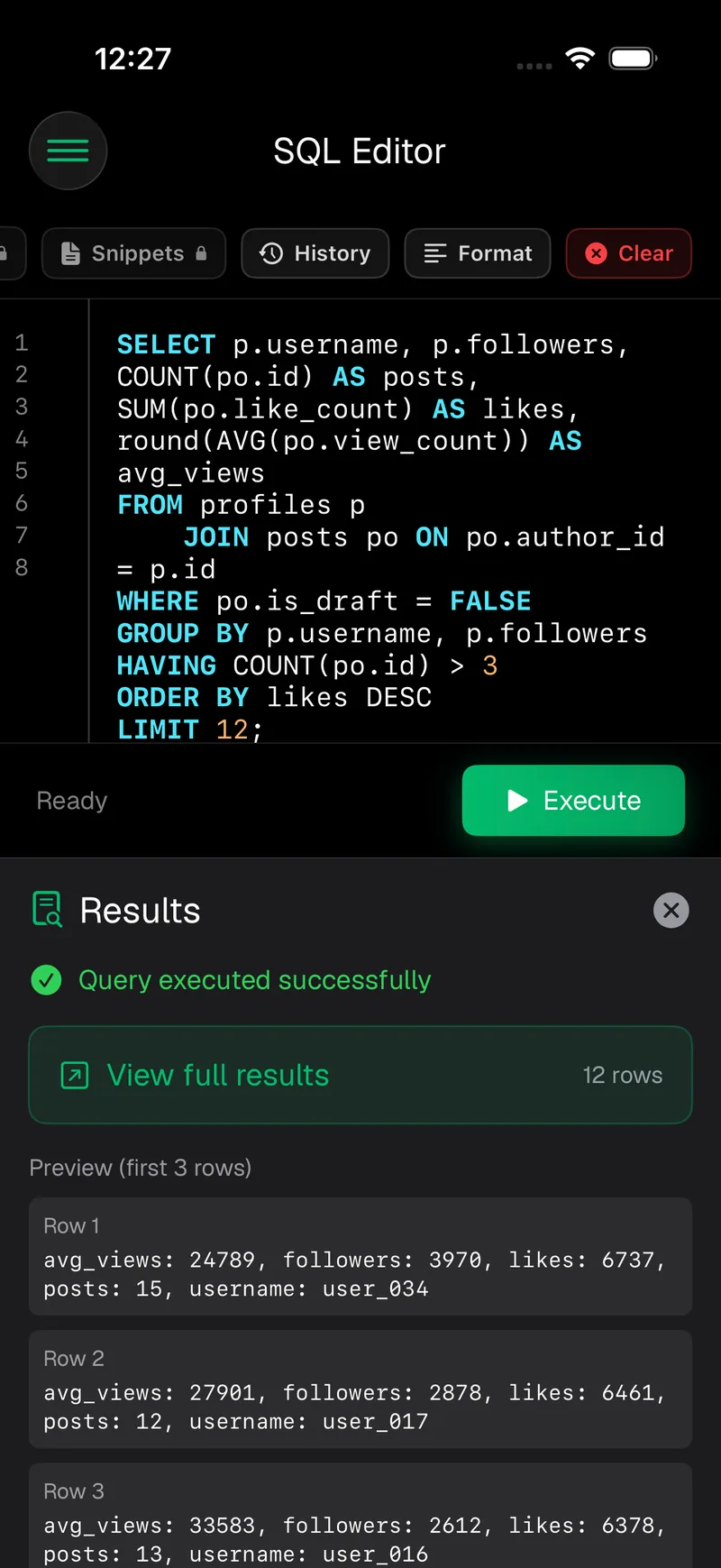
SQL editor
Run queries against your Postgres database, save snippets and export results.
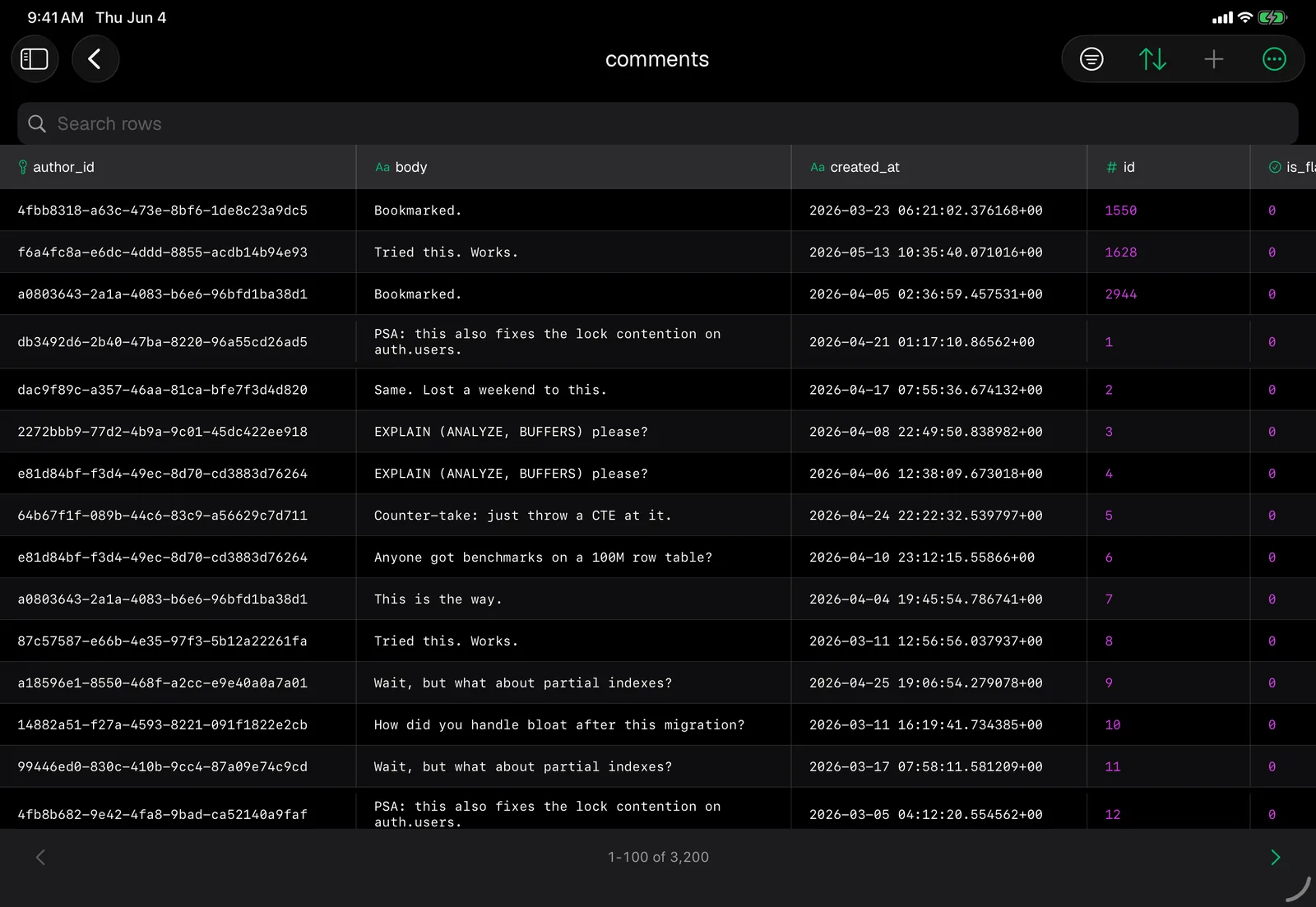
Table editor
Browse schemas and edit rows with an editor that understands types and constraints.
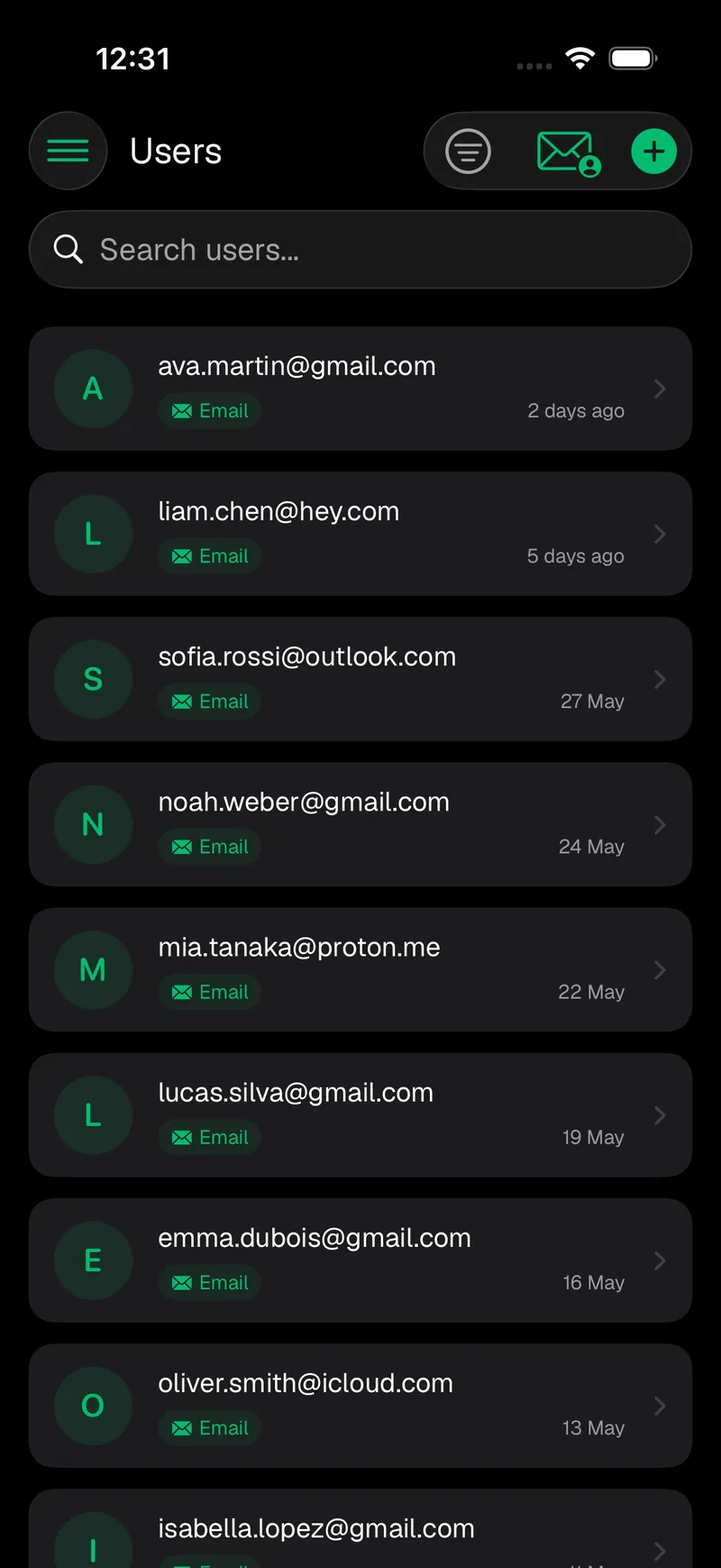
Auth
Look up users, manage providers and review the RLS policies that protect your data.
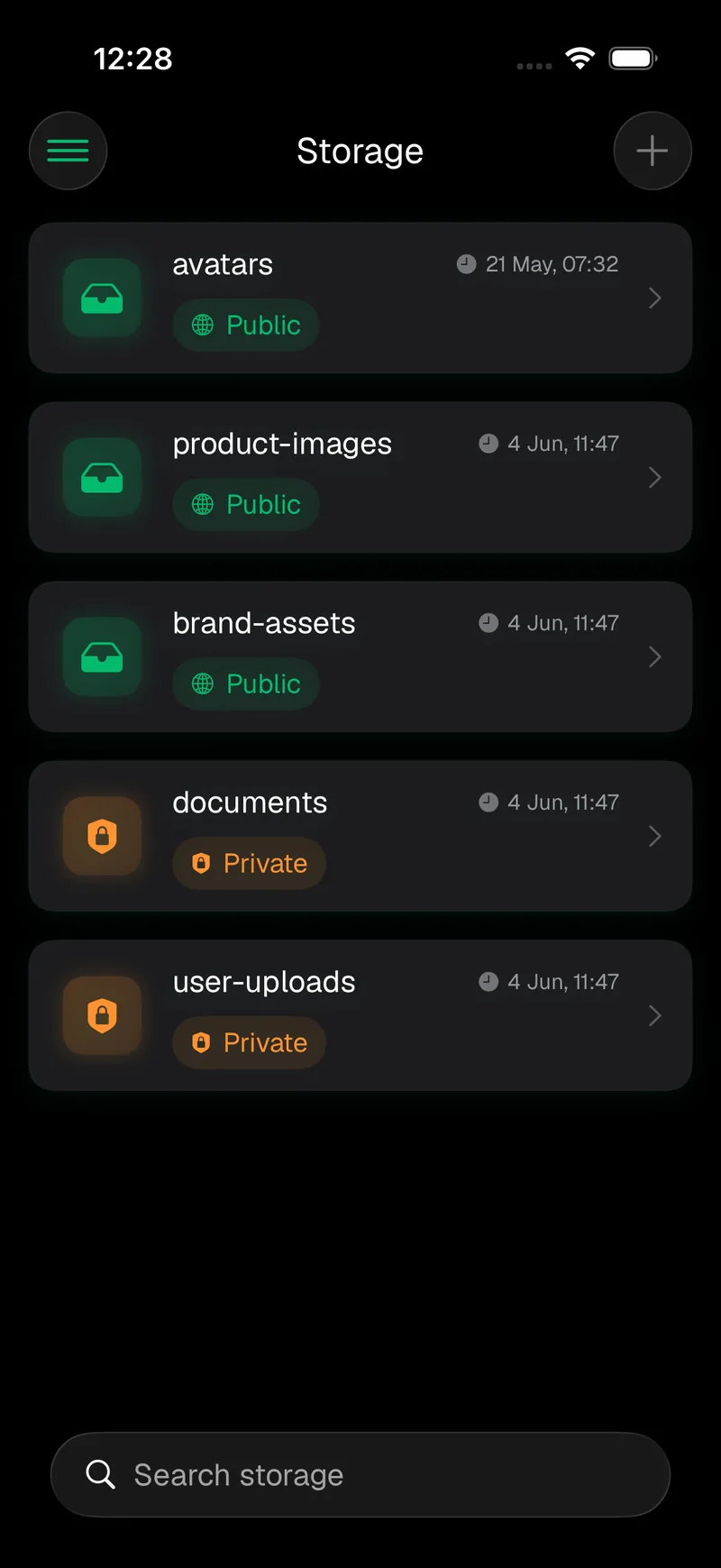
Storage
Open buckets, preview files and upload straight from Photos or Files.
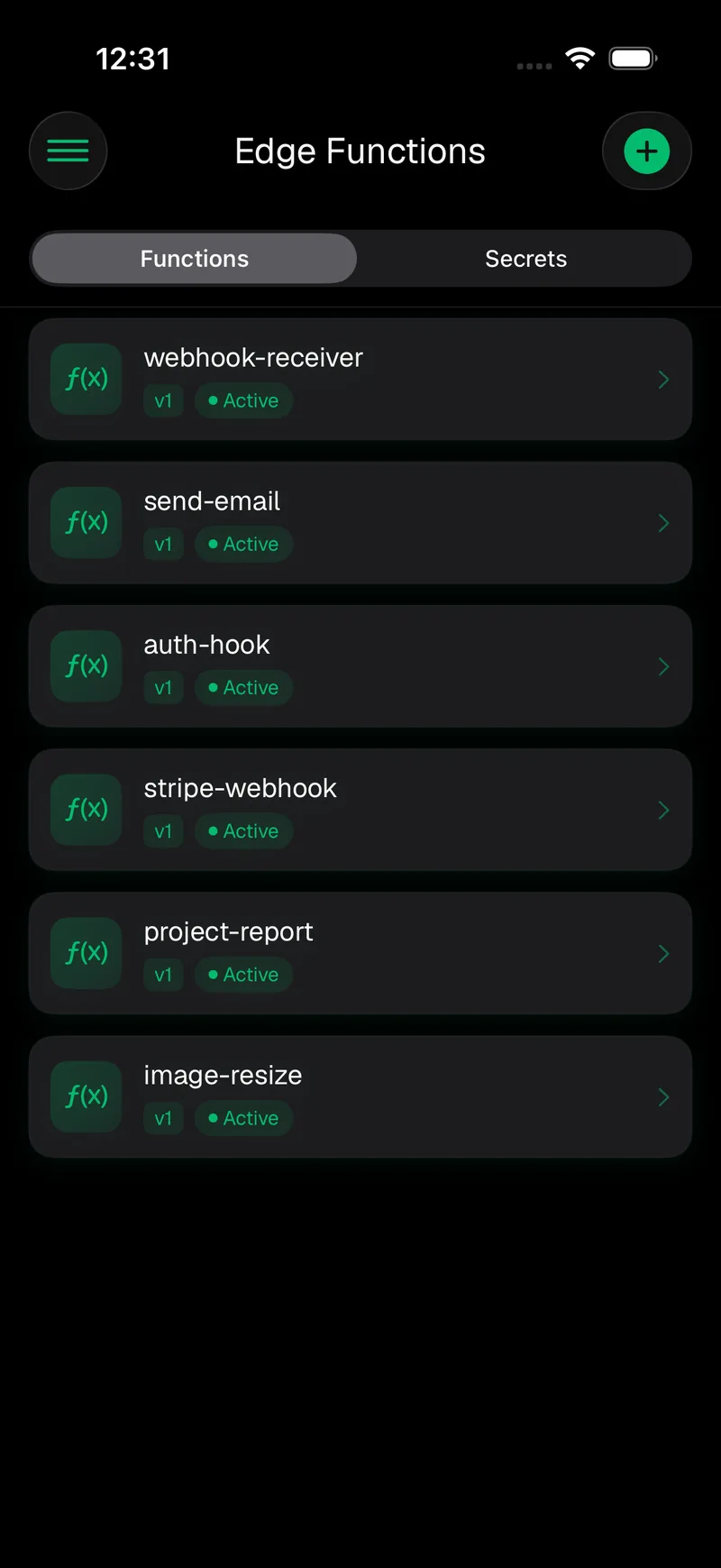
Edge Functions
Inspect deployed functions and manage their secrets and environment variables.
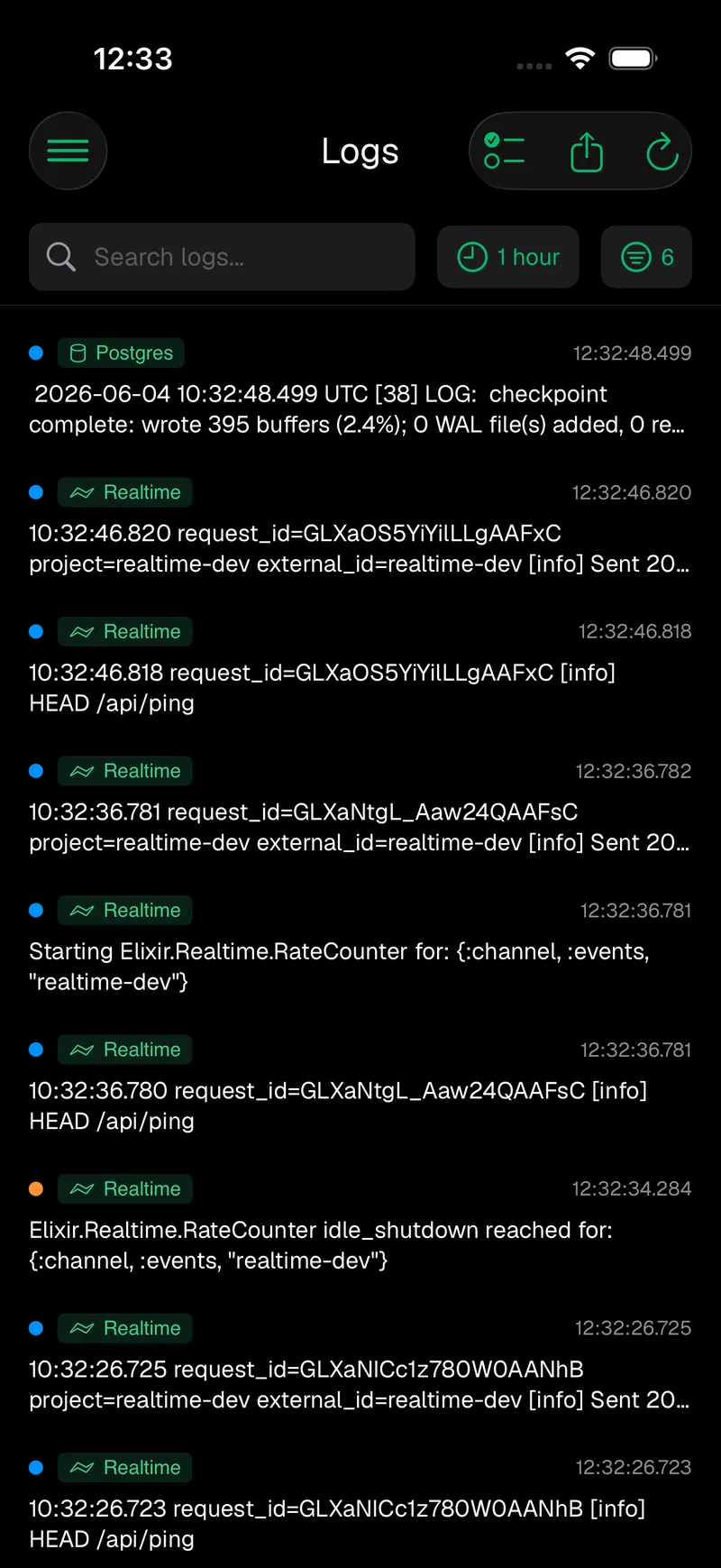
Monitoring
Logs, analytics, Realtime, advisors, push alerts and Home Screen widgets.

Every tool here ships on iPhone and iPad and on Android phones and tablets, with Home Screen widgets on both. The Apple Watch app is iOS only.
Ask a question, get the SQL.
Supanator AI answers with SQL written against your own tables and columns, ready to review and run in the SQL editor.
- Knows your schema
- Table, column, function and bucket names from the connected project are its context, so the SQL refers to things that exist.
- You stay in charge
- It drafts queries, schema changes and RLS policies for you to review, and you run them yourself in the SQL editor.
- Row data stays out
- Your question and the schema go to OpenAI through Supanator's proxy. Supanator does not send row data, keys or passwords. The AI assistant is part of Pro.
Cloud and self-hosted, in one account list.
Add Supabase Cloud with your account or a management token, then add the stack you run yourself next to it.
- Supabase Cloud
- Projects come with the Cloud tools: usage, logs, advisors, SSL enforcement and backups with point-in-time recovery.
- Self-hosted
- The official Docker setup, Kubernetes, the Supabase CLI or custom Postgres. A connection probe reports which services your stack exposes before you save.
- Unusual networks
- Reverse proxies, self-signed certificates, Basic Auth, custom headers, and both legacy JWT keys and the new publishable and secret keys.

Hear about it before your users do.
Monitoring runs on our servers, so alerts arrive even when the app is closed.
- Project alerts
- A push when a project goes down, recovers or reports an unhealthy status, configurable for health, database, Auth, Edge Functions and Storage.
- Logs and analytics
- Search logs by service, follow API requests, database size, connections and cache hit ratio, and review the security and performance advisors.
- Widgets and Watch
- On iPhone, Pulse widgets pin your own numbers to the Home Screen and tell you the first time one crosses a threshold. Android has Home Screen widgets too, and the Apple Watch app puts the live dashboard on your wrist.

Your keys stay on your device.
Supanator is a client. Everyday work goes straight from your device to your project.
Stored locally
Credentials are kept on the device. On iPhone and iPad they sit in the Keychain, behind Face ID or Touch ID if you turn it on.
Direct to your project
Database, Storage and Edge Function requests go from your device straight to your Supabase project or self-hosted stack.
Careful with writes
Destructive SQL gets a warning before it runs, and optional services such as alerts and the AI assistant are described in the privacy policy.
Free to use. Pro when you need to write.
Pro is an in-app upgrade on the App Store and Google Play, priced in the store for your region.
Free
- Browse tables, Storage and Edge Functions
- SQL editor
- API keys
- Analytics and project health
- Project advisors and SSL enforcement
- Home Screen widgets
Pro
- Create tables and add, edit or delete rows
- SQL snippets, logs and advanced analytics
- AI assistant, SQL generator and query builder
- Create and invite Auth users, manage RLS policies
- Create buckets and upload files
- Realtime monitoring and Management API access
- Up to five accounts
- Self-hosted projects
What developers say
“…really great and intuitive. Also it has great support!”
Rated 4.8 out of 5 from 18 ratings on the US App Store, with 10K+ downloads on Google Play. Checked in October 2026.
Your Supabase projects, on the device in your hand.
Free on the App Store and Google Play. Connect a Supabase Cloud account or a self-hosted stack in a minute.
Requires an existing Supabase project or a self-hosted environment.